If you’ve downloaded three goal apps and still have a drawer of half-finished projects, the problem may not be you. It may be that the app was built for a different problem.
Here’s a quick guide to the main kinds of apps, what each is good at, and who it suits.
If your problem is daily habits: a habit tracker
Habit trackers are great for small repeated actions: drink water, take vitamins, walk 10 minutes. You tick a box each day and watch a streak grow.
- Good for: simple daily habits.
- Not built for: a big project with a finish line, like writing a book or learning guitar.
- Examples: Habitica turns your habits and to-dos into a role-playing game. Finch has you care for a little bird that grows as you do self-care. Streaks and Habitify are clean, simple trackers.
If your problem is a chaotic day: a visual planner
Visual planners lay out your day on a timeline so you know what’s next.
- Good for: structuring your day, routines, people who find time hard to “see”.
- Not built for: deciding which big goal to work on, or adjusting a long-term plan.
- Example: Tiimo is a color-coded visual planner popular with neurodivergent users. Structured is another favorite.
If your problem is your phone: a focus or blocking app
Blocking apps limit the apps that eat your time.
- Good for: cutting scrolling.
- Not built for: telling you what to do with the time you get back.
- Examples: Opal blocks apps and sites on schedules and limits. Forest and Focus Friend are focus timers with something that grows while you stay off your phone.
If your problem is too many goals: a one-goal planner
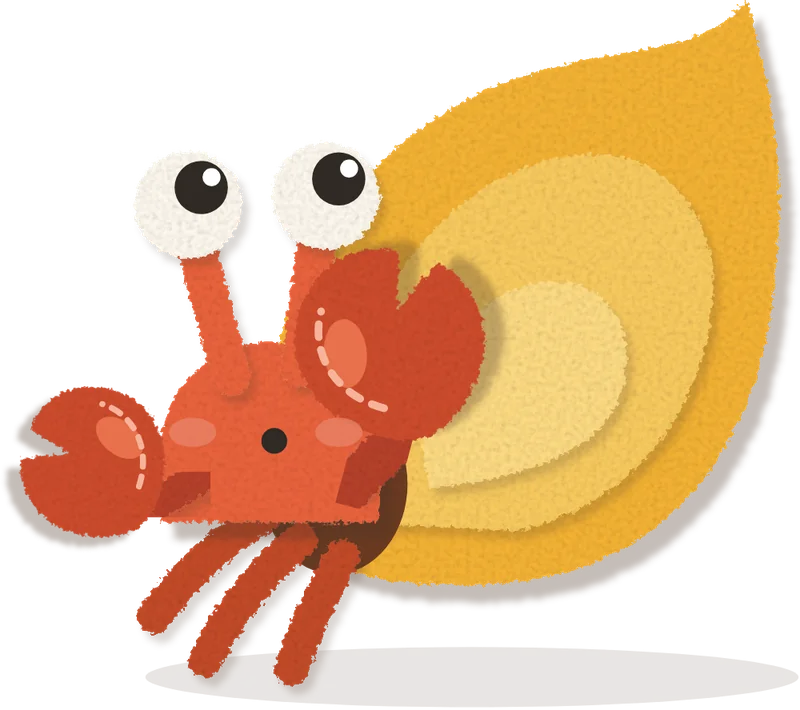
This is the gap we built Shelved for. You write down everything you’ve been meaning to do, pick one, and shelve the rest. Shel, a hermit crab coach, turns that one goal into small chapters that fit your week. A weekly check-in asks how it went (done, halfway, stuck, didn’t start) and changes the plan, not your progress. Each goal hatches a crab that grows as you finish chapters.
- Good for: hobby hoppers, half-finished projects, New Year’s goals, anyone with a long list.
- Not built for: to-do lists, team projects or tracking ten habits at once.
- Price: 14-day free trial, then $49.99 a year or $9.99 a month. iPhone only.
How to choose
Ask what usually goes wrong:
- “I forget the small daily stuff.” A habit tracker.
- “My day is a blur.” A visual planner.
- “I lose my evenings to my phone.” A blocking app.
- “I start things and never finish them.” A one-goal planner like Shelved.
Many people use two together, like a blocker for the phone and Shelved for the goal the time goes to.
Details checked on the US App Store in November 2026. Apps change, so check their pages for the latest.
Questions people ask
What is the best app for finishing goals?
It depends on what gets in the way. Habit trackers suit small daily habits, visual planners suit busy days, blocking apps suit phone time, and a one-goal planner like Shelved suits people who start many things and finish few.
Is there an app that helps you focus on one goal?
Shelved is built for that: you list everything, pick one goal, shelve the rest, and get a plan of small chapters with a weekly check-in.
 Written by Compel Studios, last reviewed . We make Shelved, an iPhone app for finishing the one goal you keep putting off, and we check these posts against the research and the apps they mention.